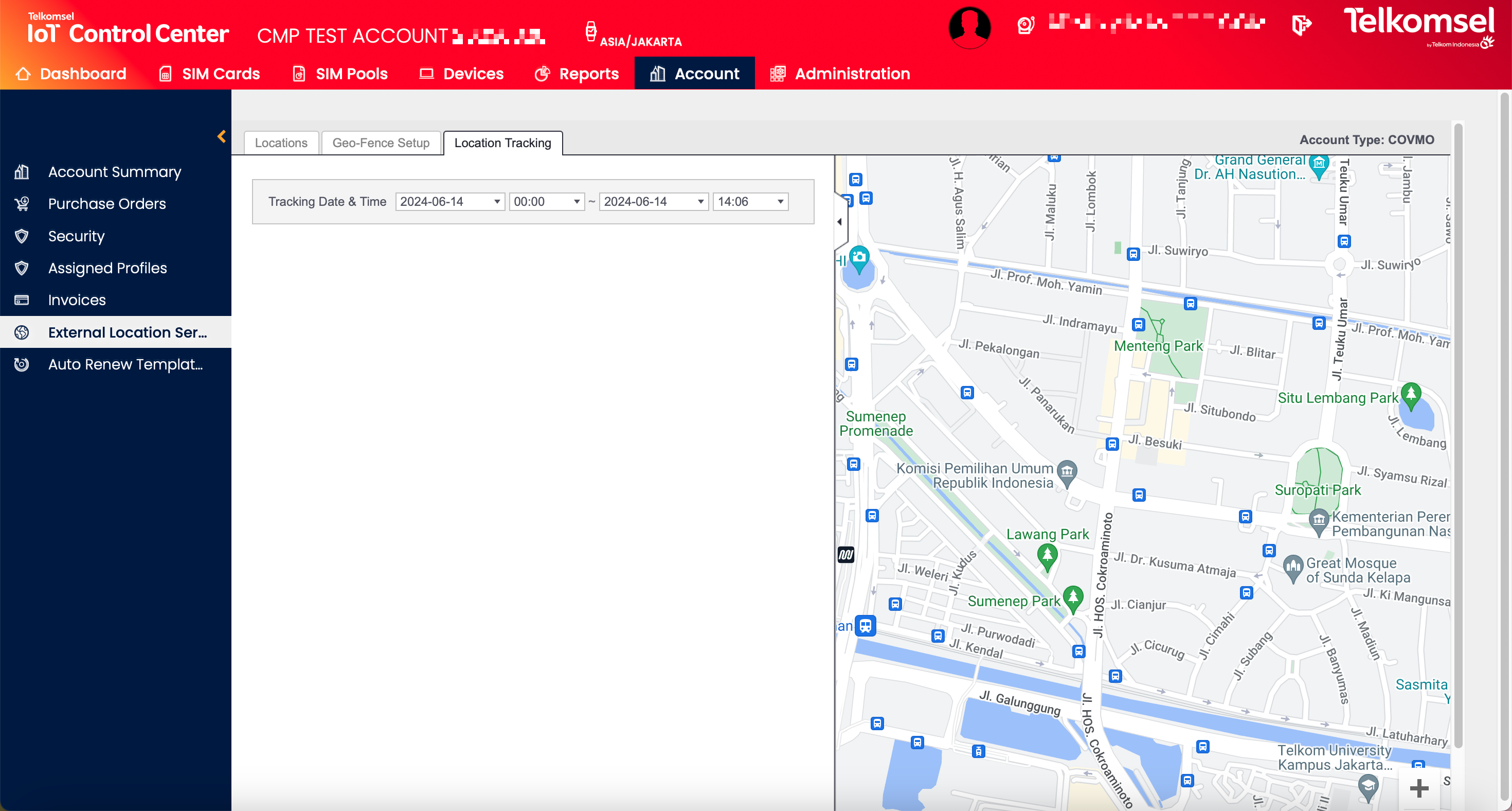
The External Location Service section of the Enterprise Portal is only available
in case the feature is licensed on the CMP instance, and
in Account context.
Introduction
The SIM locations from the External Location Service can be viewed by Enterprise Users in the External Location Service section of the Enterprise Portal. The External Location Service details are displayed within the Enterprise Portal.
Refer to the user interface of the External Location Service for details of how to use the External Location Service.
Note that the information provided in the External Location Service is only available if the chosen Account has External Location Service enabled. For details on how to enable External Location Service, see the Account Summary section of the user manual.
In case External Location Service is disabled for the current Account, the External Location Services submenu is not visible.